

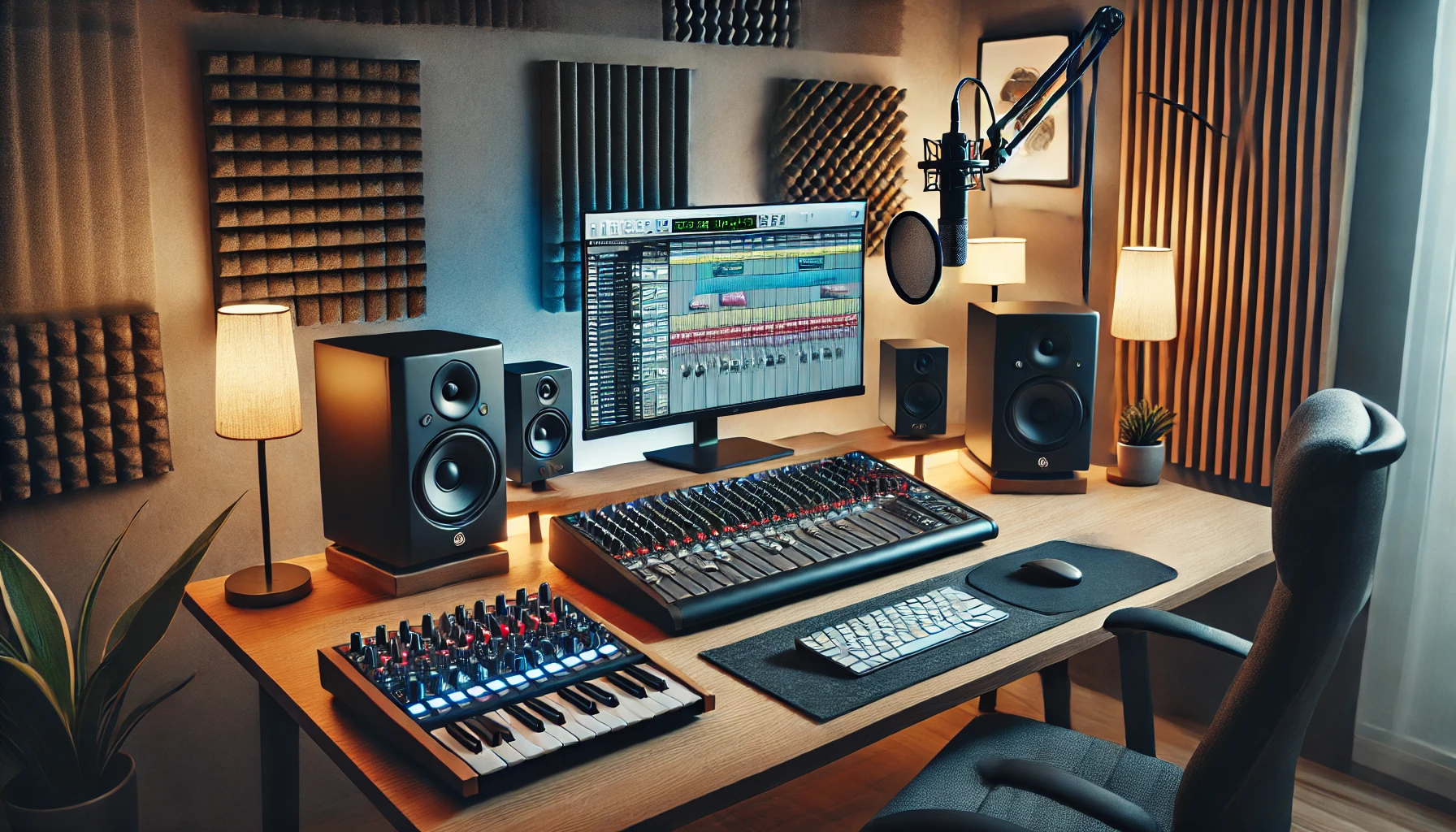
Setting up a home recording studio is an exciting step for musicians, podcasters, and content creators. One of the most critical pieces of equipment in any studio is the audio interface—a device that connects your microphones, instruments, and other gear to your computer while ensuring high-quality sound. Choosing the right audio interface can be overwhelming, given the many options available. This guide will help you find the best audio interface for your needs.
What is an Audio Interface?
An audio interface is a hardware device that converts analog sound (from microphones, instruments, etc.) into digital signals that your computer can process. It also routes audio from your computer back to your headphones or studio monitors.
Key Features to Consider When Choosing an Audio Interface
Before buying an audio interface, consider the following factors:
1. Number of Inputs and Outputs (I/O)
- Solo Musicians & Podcasters: 1-2 inputs are usually enough.
- Bands & Multi-Instrumentalists: Look for at least 4-8 inputs.
- Professional Studios: Consider interfaces with 16+ inputs for recording multiple instruments simultaneously.
2. Connection Type (USB, Thunderbolt, FireWire, PCIe)
- USB: Most common and affordable, compatible with almost all computers.
- Thunderbolt: Faster data transfer, ideal for professional setups.
- FireWire: Less common today, but still used in older high-end systems.
- PCIe: Best for ultra-low latency but requires an internal installation in desktops.
3. Audio Quality (Bit Depth & Sample Rate)
- A 24-bit depth and 44.1kHz or higher sample rate ensure high-quality recordings.
- 96kHz – 192kHz sample rates are preferred for professional-grade recordings.
4. Preamps and Phantom Power
- High-quality preamps enhance the clarity of microphone recordings.
- Phantom power (+48V) is required for condenser microphones.
5. Latency Performance
- Lower latency means faster processing and real-time monitoring.
- Look for interfaces with Direct Monitoring to reduce delay.
6. MIDI Connectivity
- If you use MIDI controllers or synthesizers, choose an interface with MIDI In/Out ports.
7. Software Compatibility
- Ensure it works with your DAW (Digital Audio Workstation), such as Ableton, FL Studio, Pro Tools, Logic Pro, Reaper, or Cubase.
Best Audio Interfaces for Home Studios
1. Focusrite Scarlett 2i2 (4th Gen) – Best for Beginners
- Inputs/Outputs: 2 in / 2 out
- Connectivity: USB-C
- Best For: Singer-songwriters, podcasters, beginners
- Pros:
- Affordable and beginner-friendly
- Excellent preamps
- Low latency
- Cons:
- Limited inputs for larger setups
2. Universal Audio Apollo Twin X – Best for Professionals
- Inputs/Outputs: 2 in / 6 out
- Connectivity: Thunderbolt 3
- Best For: Professionals, music producers
- Pros:
- Industry-leading preamps and converters
- Built-in DSP for real-time processing
- Superior sound quality
- Cons:
- Expensive
- Requires Thunderbolt connectivity
3. PreSonus AudioBox USB 96 – Best Budget Option
- Inputs/Outputs: 2 in / 2 out
- Connectivity: USB 2.0
- Best For: Budget-conscious beginners
- Pros:
- Affordable price
- Sturdy build quality
- Good for small projects
- Cons:
- Basic features
- Higher latency compared to premium models
4. MOTU M4 – Best for Low Latency & Sound Quality
- Inputs/Outputs: 4 in / 4 out
- Connectivity: USB-C
- Best For: Intermediate producers, podcasters
- Pros:
- Extremely low latency
- High dynamic range and clarity
- MIDI In/Out included
- Cons:
- No onboard DSP processing
5. RME Babyface Pro FS – Best for High-End Studios
- Inputs/Outputs: 4 in / 4 out
- Connectivity: USB 2.0
- Best For: Professional studios
- Pros:
- Ultra-low latency
- Superior build and audio quality
- Advanced routing features
- Cons:
- Expensive for beginners
Tips for Choosing the Right Audio Interface
✅ Consider your current and future needs – Don’t just buy for today; think about your future studio expansion.
✅ Choose expandability options – Some interfaces allow additional inputs via ADAT or S/PDIF. ✅ Check driver compatibility – Ensure it works smoothly with Windows, Mac, or Linux.
✅ Read user reviews – Get real-world insights from musicians and producers.
✅ Invest wisely – Your audio interface is the heart of your home studio; don’t compromise on quality.
Final Thoughts: Which Audio Interface Should You Choose?
- For beginners: Focusrite Scarlett 2i2 or PreSonus AudioBox USB 96
- For serious producers: MOTU M4 or Universal Audio Apollo Twin X
- For professionals: RME Babyface Pro FS
A good audio interface will drastically improve the sound quality of your recordings, making your home studio sound more professional. Choose wisely based on your budget, recording needs, and future goals.
Have any questions about audio interfaces? Drop a comment below!


